
BK1971 login — Sign in and start playing
Welcome back to BK1971. Log in to manage your balance, claim bonuses, and jump into your favorite games with a smooth, mobile-first experience built for Bangladesh. If you’re signing in from a new device, follow the quick security checks to keep your account protected.
- 1 min Quick Sign-In
- 24/7 Support Access
- Secure Account Protection
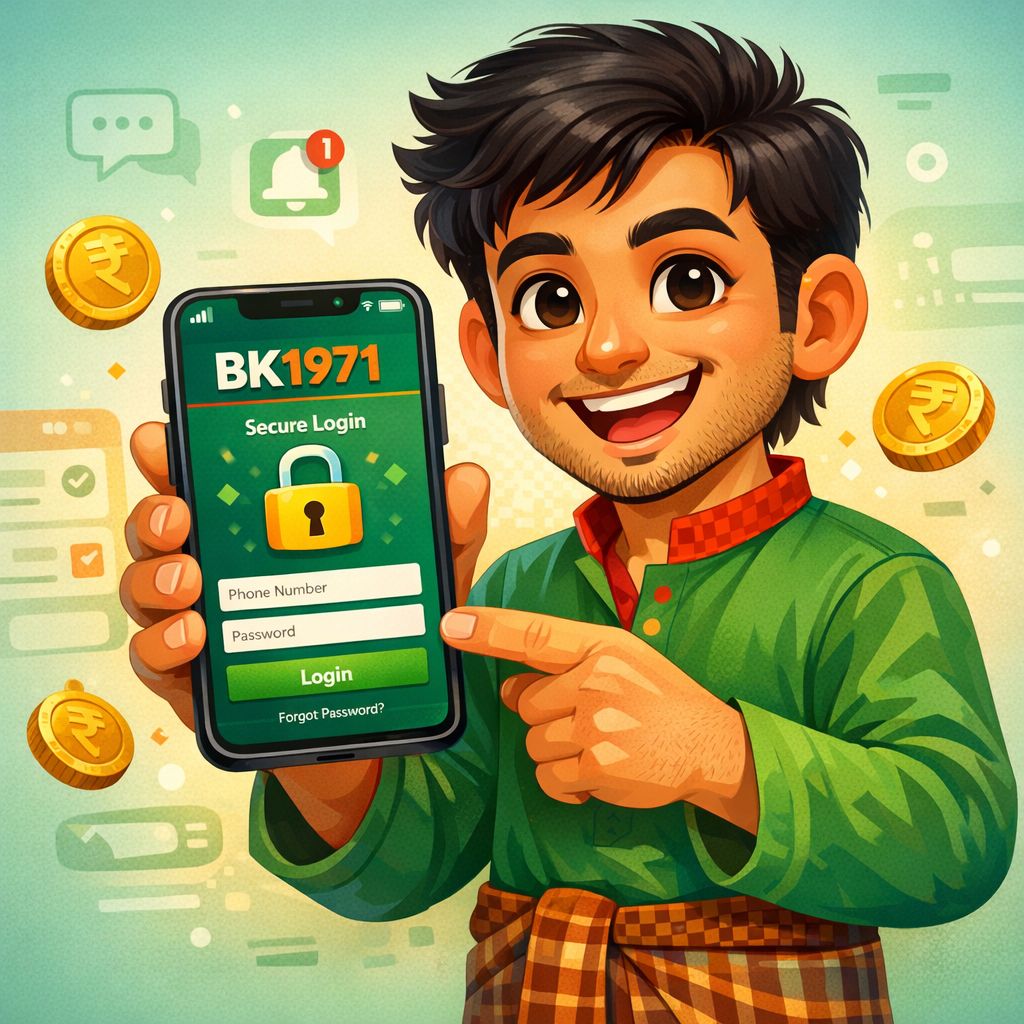
BK1971 login Guide for Bangladesh (Quick Steps)
BK1971 login is designed to be quick on both mobile and desktop, with simple fields and clear prompts. If you’re using a shared device, we recommend logging out after each session to protect your account. Follow the steps below to sign in safely and avoid common errors.
Step 1: Open BK1971 login
Go to the official BK1971 login page or open the BK1971 Android APK if you’ve installed it. Check that the page address is correct before entering any details, especially when coming from social links. A clean login screen and secure connection help prevent phishing attempts.
Step 2: Enter your account details
Type your registered phone number or email and your password exactly as you set it. Make sure your keyboard language and caps lock are correct to avoid repeated failed attempts. If you enabled extra verification, complete the on-screen prompt to confirm it’s really you.
Step 3: Confirm and continue
Tap the login button and wait for your dashboard to load fully before switching pages. If you are on a slow connection, give it a few seconds to sync your balance and bonuses. Once signed in, you can deposit, withdraw, and launch games without re-entering details each time.
BK1971 login Troubleshooting in Bangladesh
If BK1971 login isn’t working, the most common cause is an incorrect password or a mistyped phone number or email. Try re-entering your details slowly, and confirm that you are using the same method you registered with. If you recently changed your password, make sure you are not using an older saved password from your browser.
Network issues can also interrupt BK1971 login, especially when switching between Wi‑Fi and mobile data. Refresh the page, close other heavy apps, and try again with a stable connection. If the site loads but the button does nothing, clearing cache or using a different browser often fixes the problem.
For account safety, multiple failed attempts may trigger a temporary lock. Wait a short time and use the password recovery option rather than guessing repeatedly. If you still can’t access your profile, contact support with your registered details so they can verify and restore access securely.
BK1971 login Safety & Convenience Features
Secure Session Controls
BK1971 login uses protective checks to reduce unauthorized access and keep your account safer. You can sign in on a new device and complete verification when prompted. For best results, avoid saving passwords on shared phones and always log out after use.
Mobile-First BK1971 login
The BK1971 login flow is optimized for Bangladesh mobile users with clean fields and fast loading. The Android APK can provide a smoother experience than some browsers, especially on older devices. Once installed, you can open the app and reach your account in seconds.
Password Recovery Help
If you forget your password, use the recovery option to reset access safely. Enter your registered phone number or email and follow the verification steps to create a new password. Choose a strong password you don’t reuse on other sites to reduce risk.
Account Access for Deposits & Withdrawals
After BK1971 login, you can manage your wallet, bonuses, and transaction history in one place. Always double-check withdrawal details before confirming to avoid delays. If a payment method is unavailable, try another supported option or contact support for guidance.